
 Blog
Blog What is "Dissolve Sketch Text?"
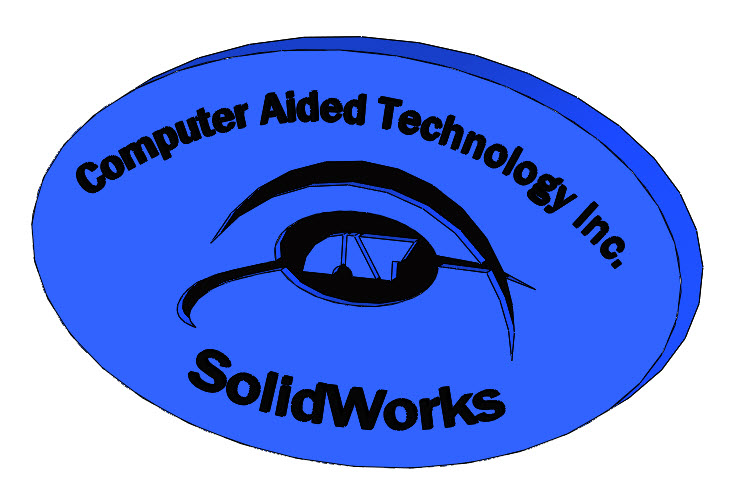
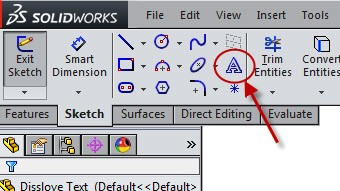
When adding text to a part, SolidWorks has made the task simple.Text is added by using the ‘Annotation’ feature in the Sketch Command Manager. Text can be used with Extrude Boss/Base or Extruded Cut.
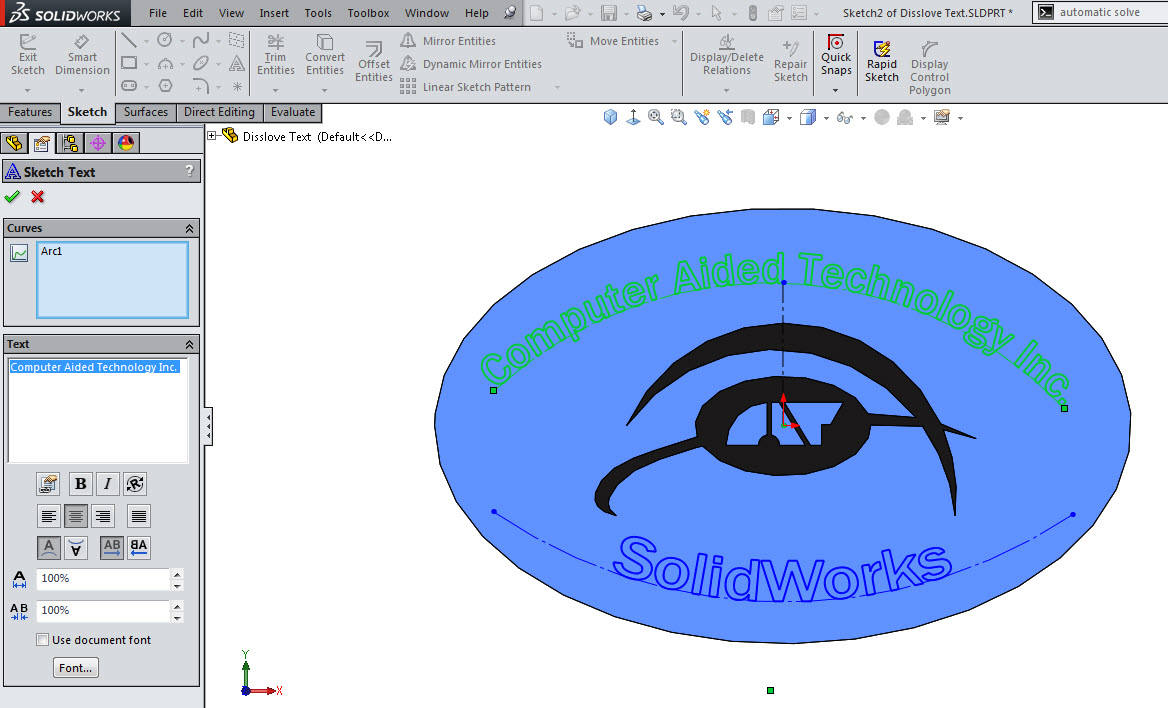
For this example, a guide curve was used to position the text.
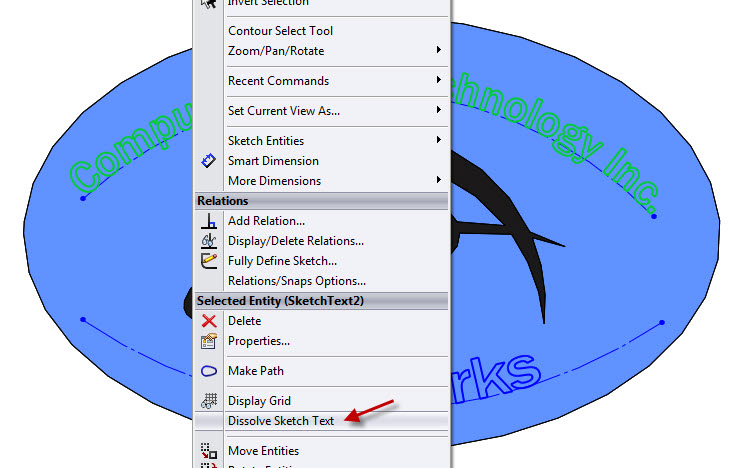
Notice the test is all one Annotation entity. For some applications, text is best utilized when it’s a series of splines and lines. To do this, right-mouse click on the text and pick Dissolve Sketch Text in the menu.
The Annotation is now converted into lines and splines.
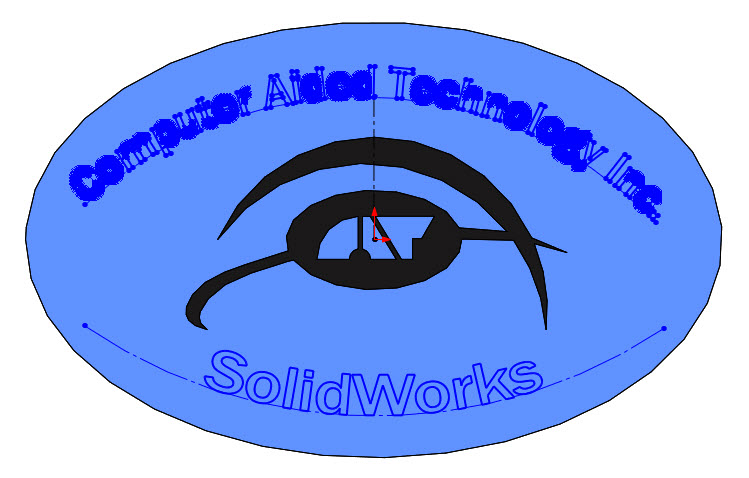
Note: Dissolve Sketch Text cannot be undone.
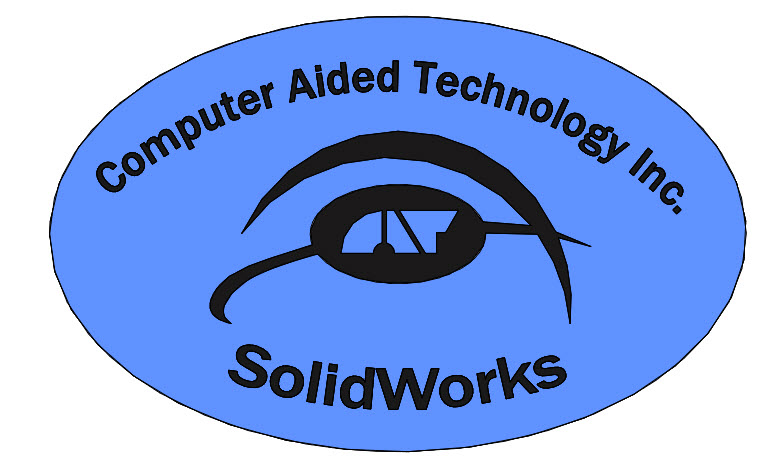
After the Dissolve was added, the Extruded Boss phsically looks the same.
Judy Marlo
CATI Application Engineer