
 Blog
Blog How To Suppress Sketch Relations in SOLIDWORKS
I ran into this recently via a customer request. They wanted to suppress all sketch relations on certain sketches.
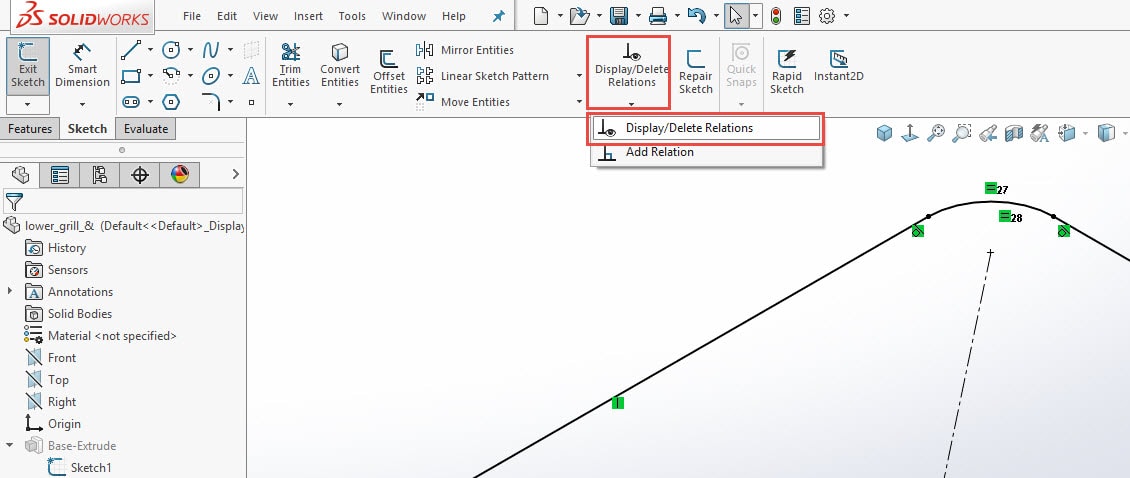
First, go to the Sketch tab in the Command Manager, click on the Display/Delete Relations.
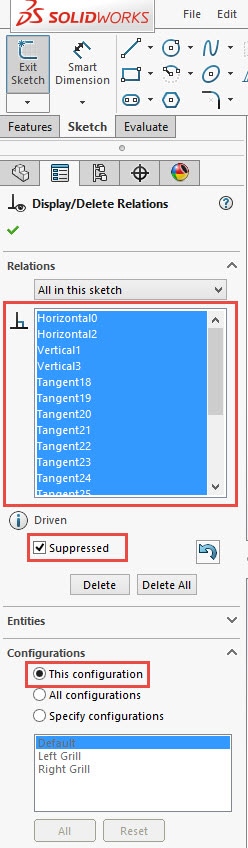
Then go to the Relations dialogue box and Shift + select all your sketch relations, then check the Suppress check box.
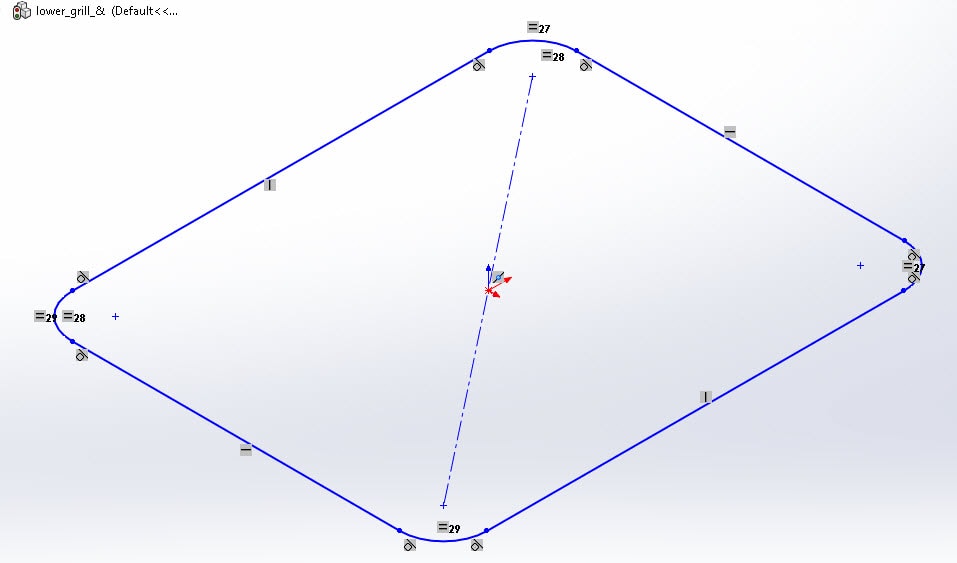
Notice below how the suppressed relations are been grayed out.
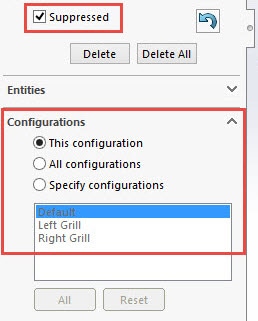
Note: If you have configurations, you can specify which configuration(s) your relations will now be suppressed. See below:
Check you later!
Don Glaske
Sr. Application Engineer