
 Blog
Blog What to Expect in SOLIDWORKS 2018: Sneak Peek
As SOLIDWORKS World 2017 came to a close last week, I was thrilled once again to get a glimpse of one of the most anticipated product announcements. Every year, SolidWorks gives us a sneak peek of new features and enhancements to come in the next release of SOLIDWORKS software. In this case SOLIDWORKS 2018!
Below, you will see this small sampling of new functionality slated for SOLIDWORKS 2018. Please keep in mind, this is just a preview of what ‘might’ make it to the SOLIDWORKS 2018 release. Many more features will be added by fall of 2017, some may change, and some may take a little longer than anticipated to get out there—so here is a list of the potential new enhancements to SOLIDWORKS 2018:
Mirror 3D Sketch Entities – When in a 3D Sketch you can now Mirror Sketch Entities
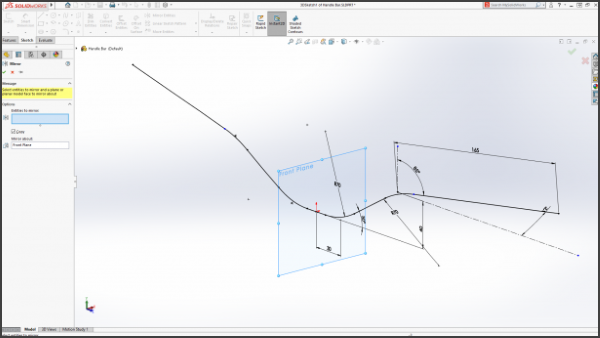
Sketch Planes as Symmetry Reference – 2D and 3D sketch entities can now be mirrored using a plane as the symmetry reference
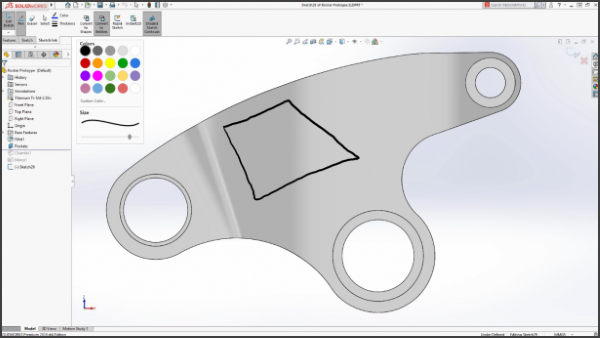
Pen Sketching – Draw contours by freehand sketching using a pen or stylus on Windows 10 touch screen devices
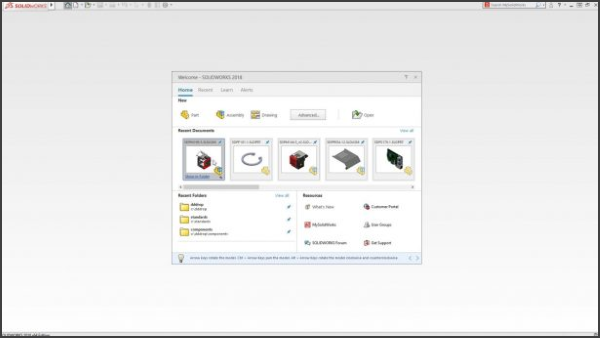
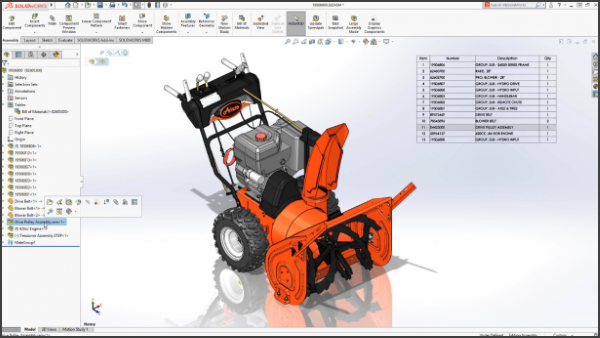
New SOLIDWORKS Home Screen
New Assembly Progress Bar
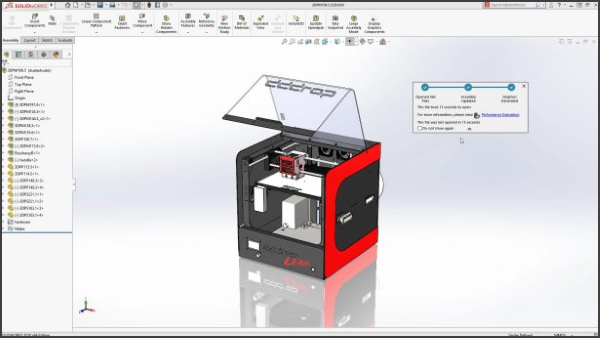
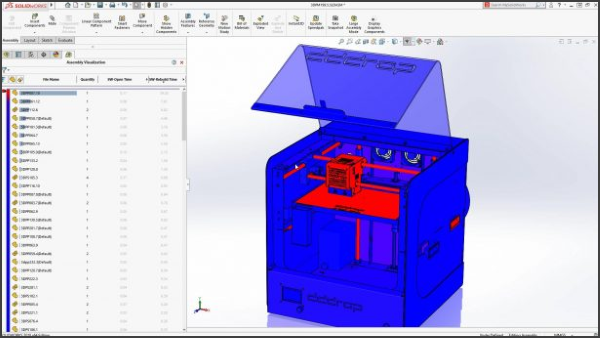
Assembly Visualization of SOLIDWORKS performance information
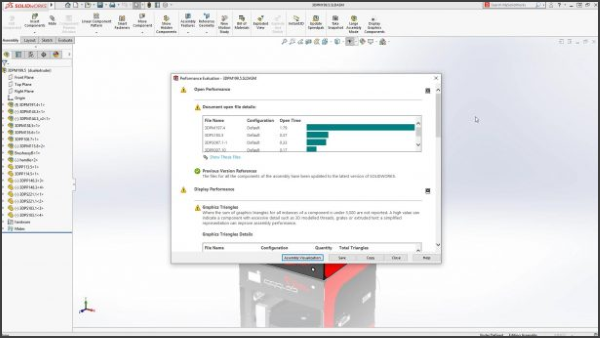
New Assembly Performance dialogue
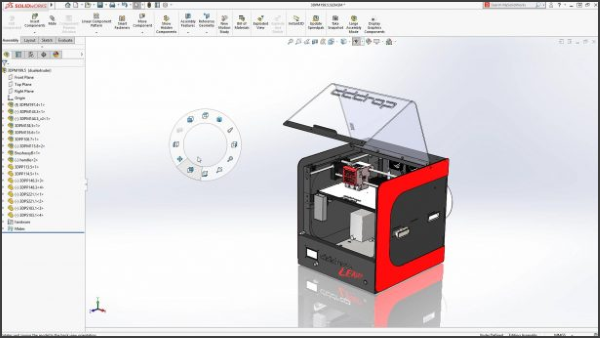
Support for 12 mouse gestures
Use ALT key to hide surfaces during mate
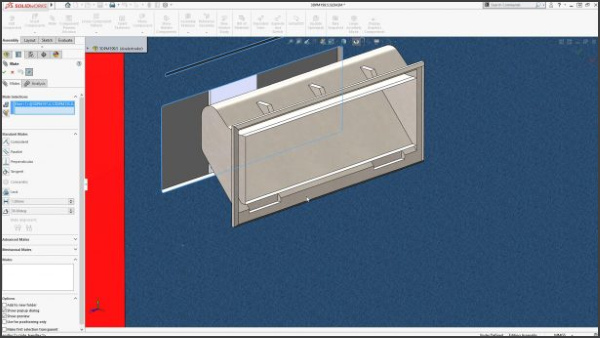
SOLIDWORKS 3D Interconnect now supports STEP, IGES, ACIS, JT
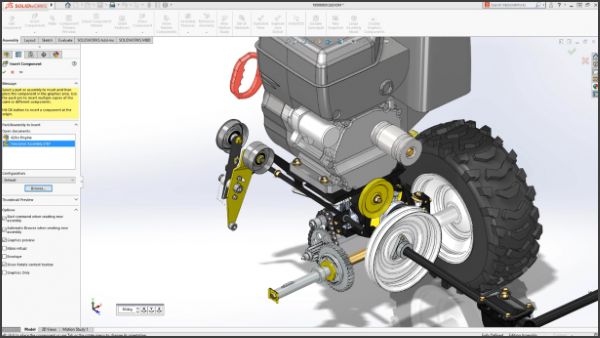
3D Interconnect supports updating neutral files
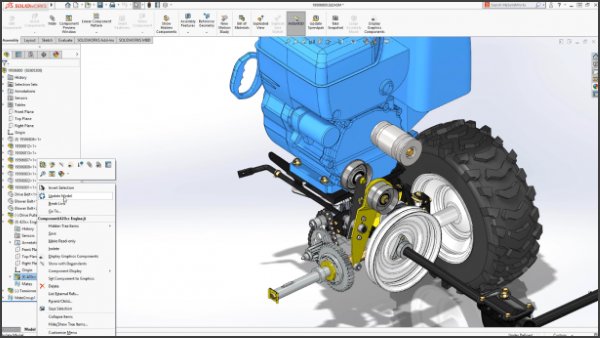
SOLIDWORKS 3D Interconnect now preserves curves and sketches
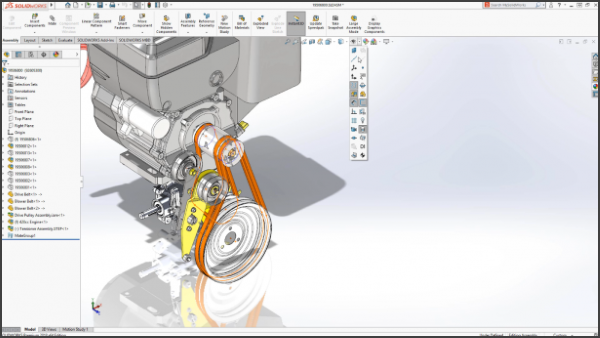
SOLIDWORKS 3D Interconnect now reads custom properties
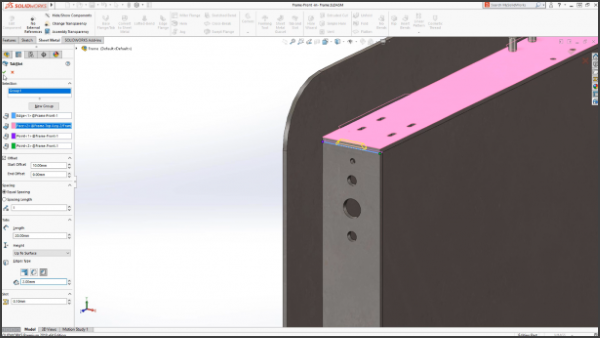
New Tab and Slot feature works in parts, multi-body parts, and assemblies
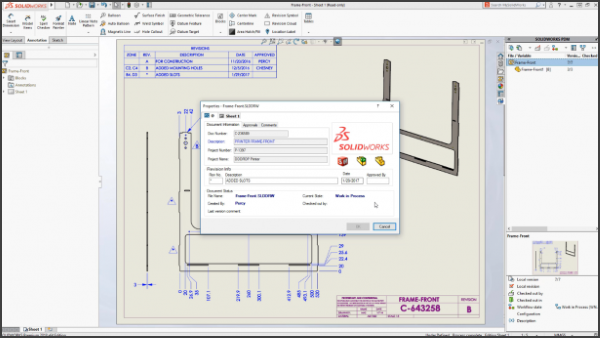
SOLIDWORKS PDM bi-directional communication with drawing revision table
Can now set multiple objects to resolved in Large Design Review
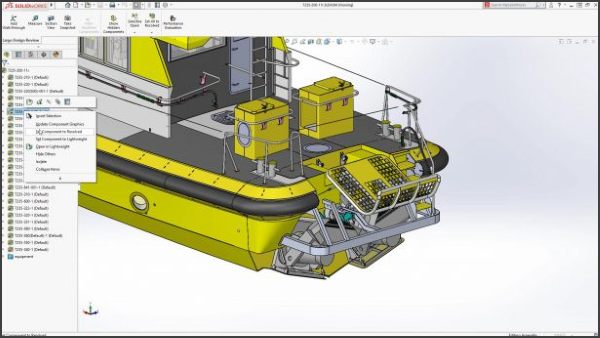
Ability to turn off graphics (scenery) data
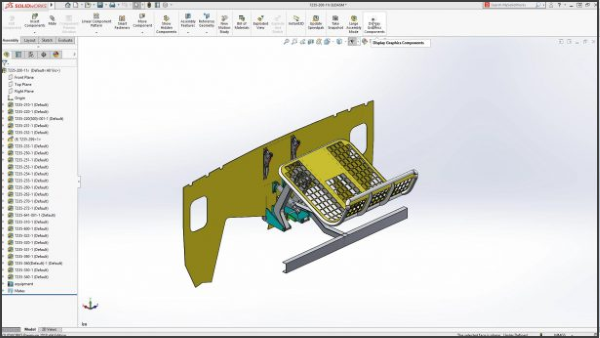
Revert all data back to graphics to increase performance
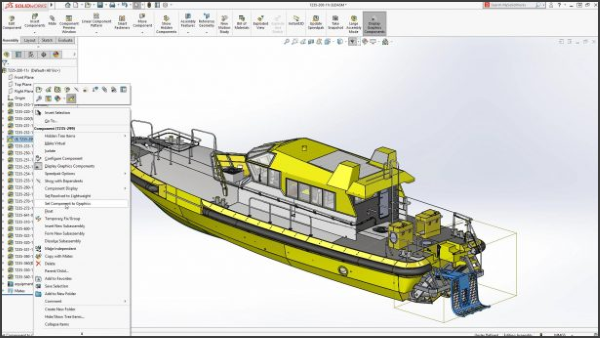
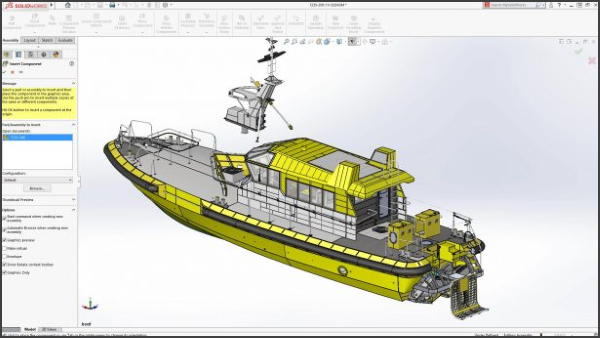
Ability to insert and mate graphics components
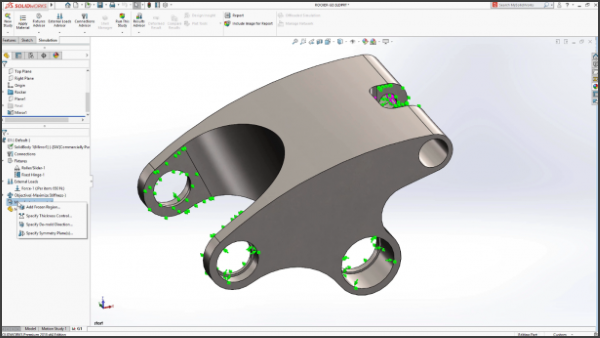
Complete SOLIDWORKS Integration with SIMULATION View
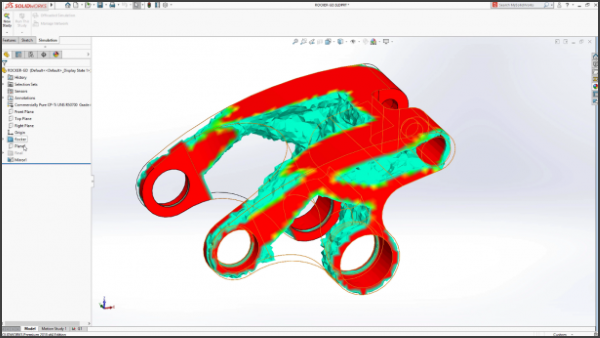
New Manufacturing Controls
As a reminder, everything shown at SOLIDWORKS World 2017 is just a ‘Preview’, and new functionality is always changing and not necessarily guaranteed to be in the release of SOLIDWORKS 2018. But knowing how many customer-driven enhancements come out each year, I’m already truly excited for the release of SOLIDWORKS 2018.